PopSQL is shutting down on September 1, 2026. TigerData (formerly Timescale) acquired PopSQL in April 2024, moved it to limited support in September 2025, and will delete all data after the shutdown date: saved queries, dashboards, connections, everything. The team has said it will not provide migration assistance, so if PopSQL is part of your workflow, the migration project is yours to run. Here we take a look at the top PopSQL alternatives to help you decide where to land before the deadline.
First, get your queries out
Before comparing tools, back up your work. The deletion is permanent.
PopSQL only exports queries one at a time as .sql files through the query menu, which is painful if your team has hundreds. The faster path: PopSQL made GitHub Sync free for all organizations as part of the wind-down. Connect a repository and sync your entire query library in one pass. You get plain .sql files in version control, readable by whatever tool you pick below.
Two things do not export: database connections (you will re-enter credentials in the new tool, a good moment to rotate them) and dashboards. Dashboard definitions are lost, so screenshot the important ones and note which queries feed them.
What to look for in a replacement
PopSQL bundled three things that most replacements do not, so first figure out which ones your team actually used:
- Shared query library: one organized, searchable home for the team's SQL, instead of
.sqlfiles scattered across laptops. - Charts and scheduled queries: PopSQL's lightweight BI layer. A plain SQL editor will not replace this; a BI tool will.
- A web editor anyone can open: no install, no per-machine driver setup, works for the PM who queries twice a month.
And one criterion PopSQL itself just taught everyone:
- Longevity: PopSQL was well-funded and well-liked, and still got acquired and shut down. Favor tools that are open source or that export to plain files, so the next migration (if it comes) is cheap.
Bytebase
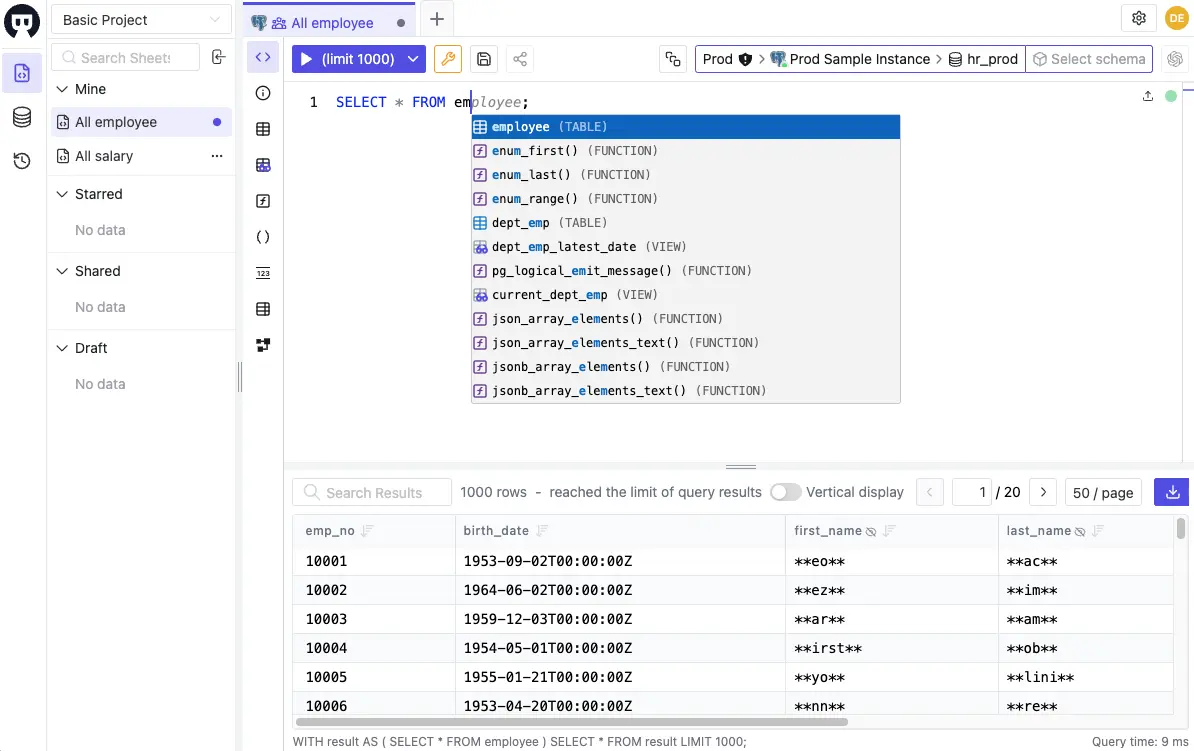 Bytebase SQL Editor with worksheet sharing and data masking
Bytebase is an open-source database governance platform, and its SQL Editor covers the PopSQL workflow: a web editor, saved worksheets shared within a project, one place to connect everything.
Key Features:
- Web-based SQL editor with worksheets shared per project
- Supports MySQL, PostgreSQL, SQL Server, Oracle, ClickHouse, Snowflake, MongoDB, and more
- Centralized database permissions: users query through Bytebase and never handle raw database credentials
- Data masking hides sensitive columns per user; every query lands in an audit log
- Schema change workflow with review and approval, beyond the editor itself
The difference from PopSQL is what sits around the editor. PopSQL trusted everyone with the credentials they were given; Bytebase controls who can query what, centrally. When a SOC 2 or PCI auditor asks "who ran what against production?", PopSQL had no answer. Bytebase does.
To be fair, there is no dashboard builder and no scheduled query runs. If charts were your main PopSQL use case, keep reading.
The Community plan is free and self-hosted; data masking and advanced access control are in the paid plans.
Best For: teams who shared a query library in PopSQL and also need access control, masking, or an audit trail, whether for compliance or just for a DBA tired of handing out credentials.
Metabase
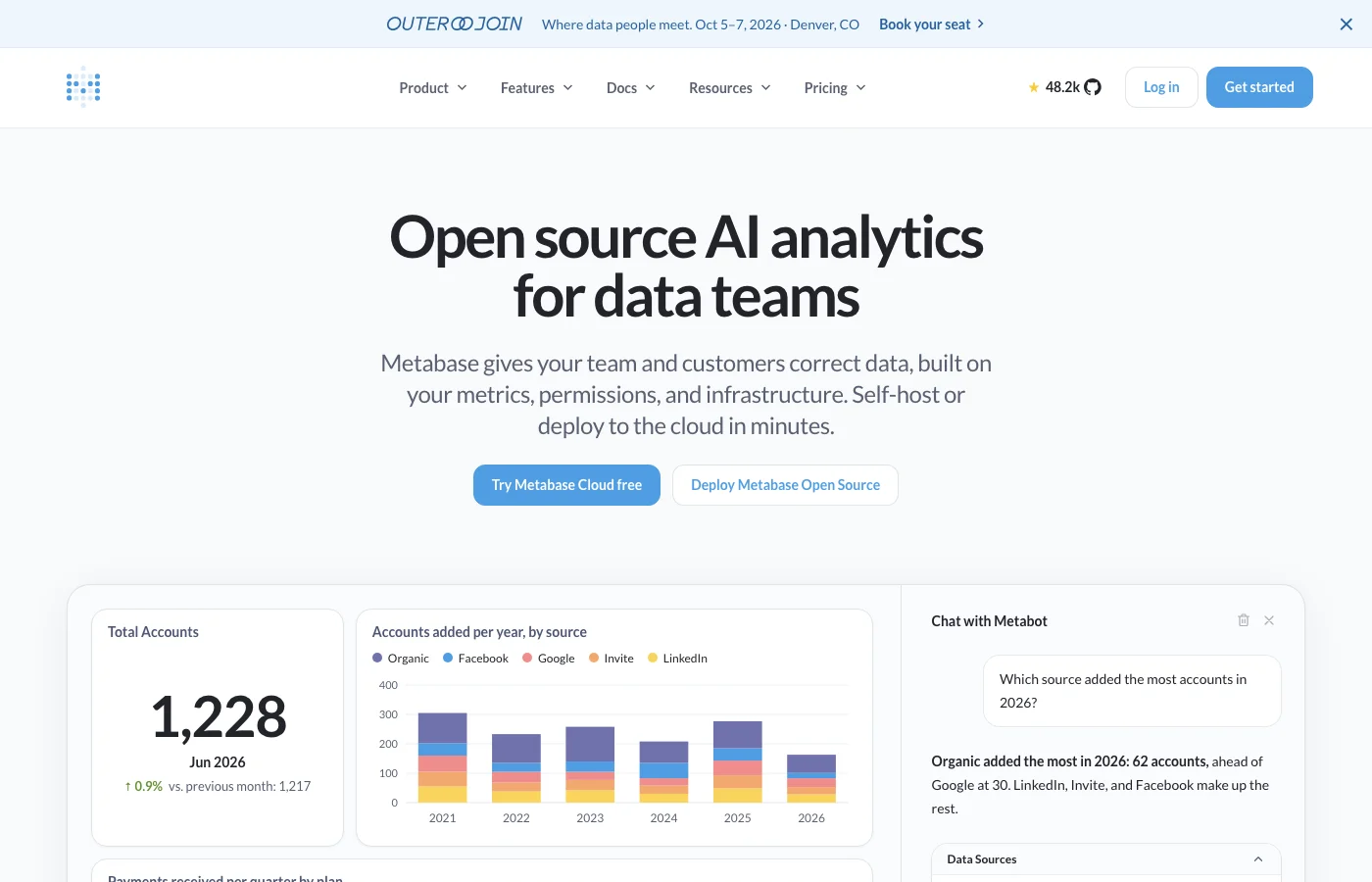 Metabase homepage
Metabase is the most direct home for the dashboard half of PopSQL. You write SQL (or use the visual query builder), save questions, assemble dashboards, and schedule email or Slack deliveries.
Key Features:
- Dashboards with scheduled email/Slack delivery, the closest match to PopSQL's charts
- Visual query builder for non-SQL teammates, native SQL editor for the rest
- 20+ database connectors
- Self-hostable open-source core (AGPL); paid tiers add SSO and row-level sandboxing
The open-source edition is free to self-host. Cloud plans start at $85/month, and the Pro tier at $500/month. The trade-off coming from PopSQL: the SQL editing experience is thinner. Autocomplete and schema browsing work, but Metabase is a BI tool that accepts SQL, not an editor built for people who live in SQL all day. Many teams pair it with a proper editor from further down this list!
We covered Metabase alongside other self-hostable options in Top 5 open source, online SQL editors.
Alternatives: Redash, once the go-to open-source choice here, is a cautionary tale: its hosted service shut down in 2021 and the open-source project is community-maintained. Apply the longevity criterion.
Best For: teams whose PopSQL account was really a dashboard tool.
Hex
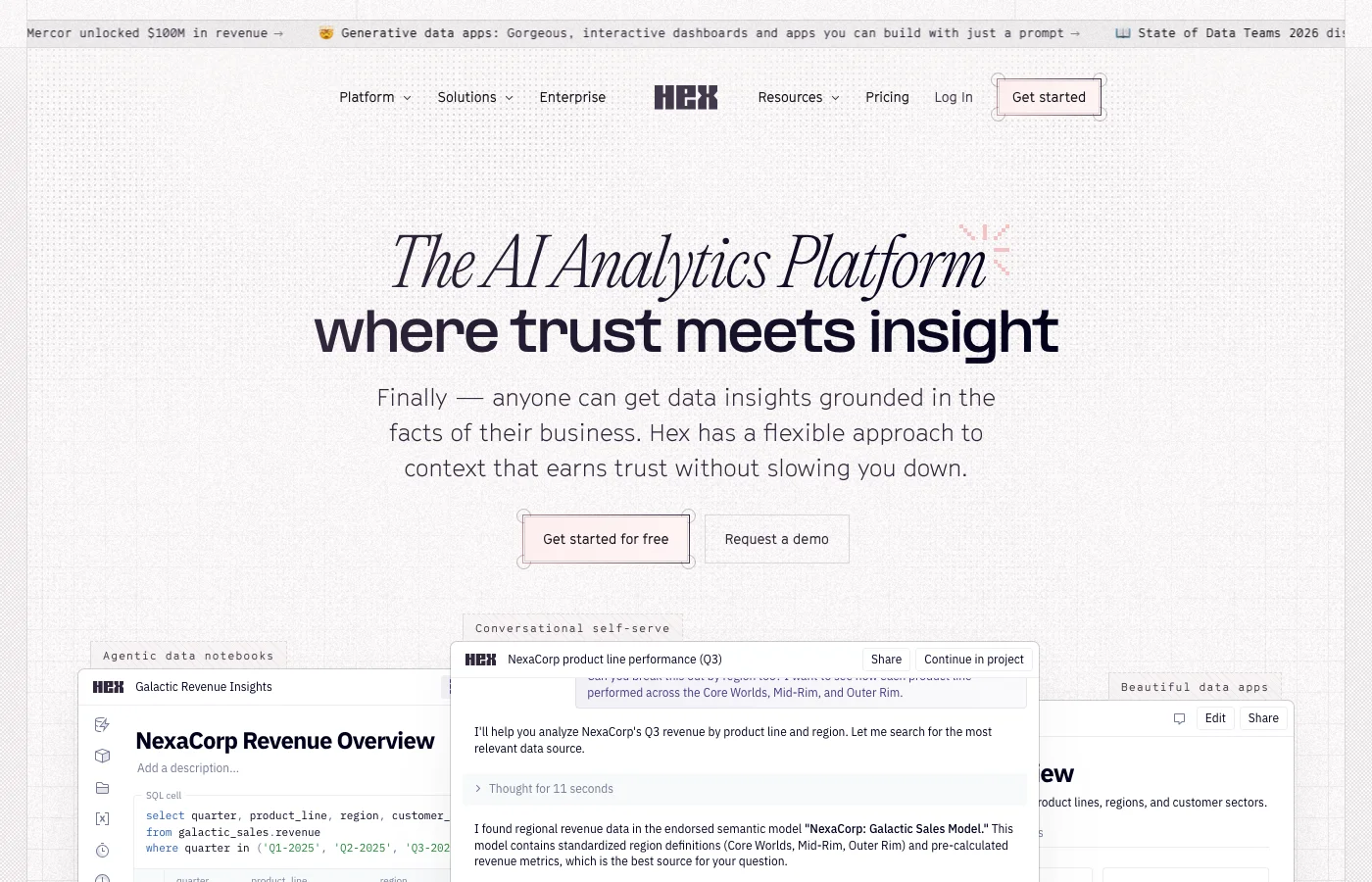 Hex homepage
Hex is a collaborative notebook platform: SQL and Python cells chained together, real-time multiplayer editing, published data apps. In 2026 the product leans heavily into AI-assisted analysis.
Key Features:
- Notebooks mixing SQL and Python, with real-time collaborative editing
- Publish notebooks as interactive data apps
- Closest thing on this list to PopSQL's live-collaboration feel
Hex is not open source and is priced like a platform rather than a utility, per editor seat. For an analytics team it is closer to a PopSQL upgrade than a replacement; for five engineers who just want to share queries, it is more product than the job needs.
Best For: data teams doing genuine analysis work, not just query sharing.
DBeaver
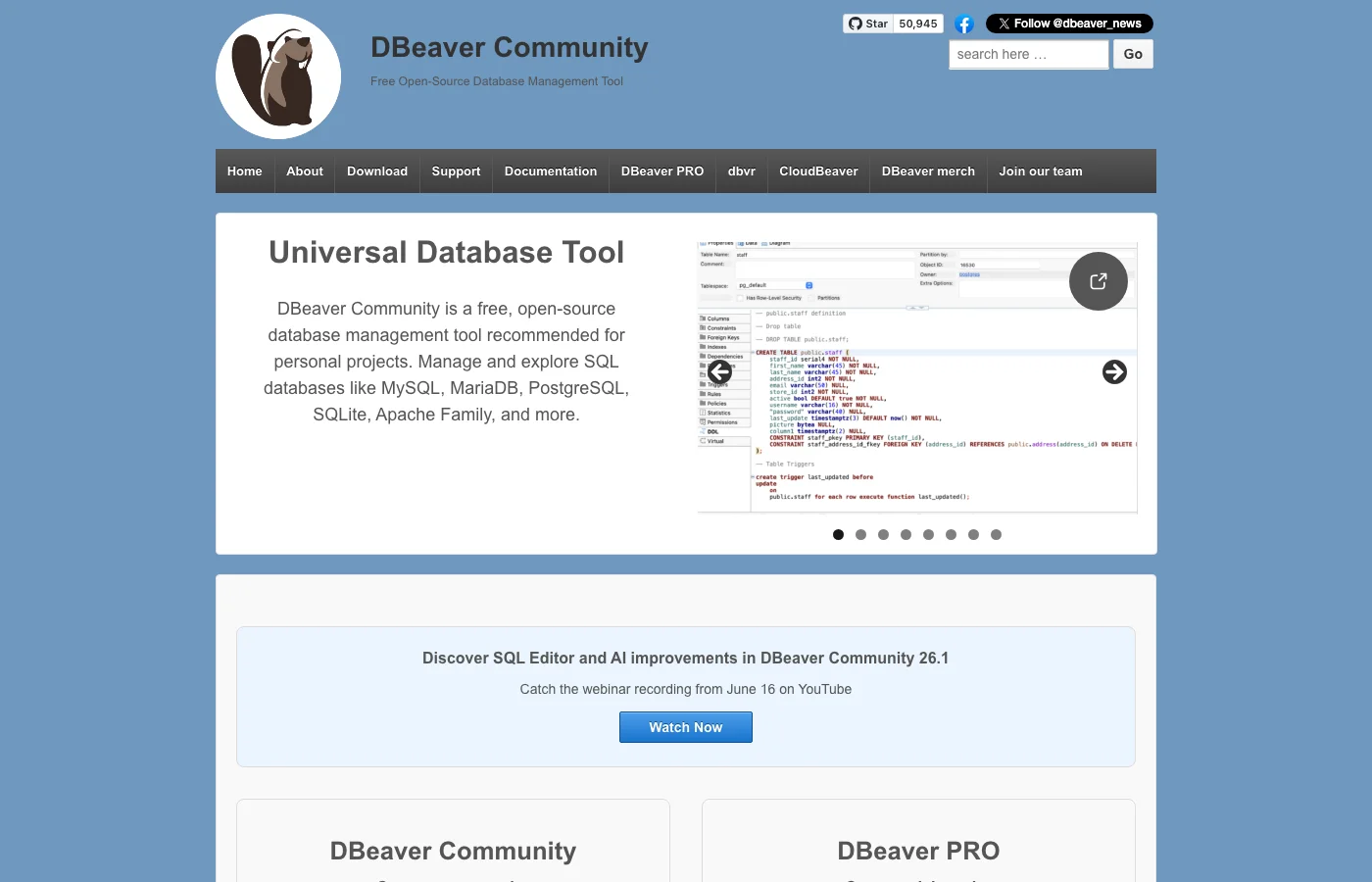 DBeaver Community homepage
DBeaver Community is the default desktop answer: free, open source (Apache 2.0, 50,000+ GitHub stars), and it supports more databases than you will ever touch. The current 26.1 release ships a refreshed SQL editor and an AI assistant.
Key Features:
- Broadest database support of anything on this list
- Full database management (schema browsing, data editing, ER diagrams), not just query editing
- Team Edition shares connections and scripts through a Git-backed repository
Note the Team Edition model: it is a shared repository, not PopSQL-style live collaboration. Two people cannot type in the same query at once. More options in this category are in our top DBeaver alternatives roundup.
Best For: individuals and teams who want one free tool that handles every database, and can live without real-time collaboration.
Beekeeper Studio
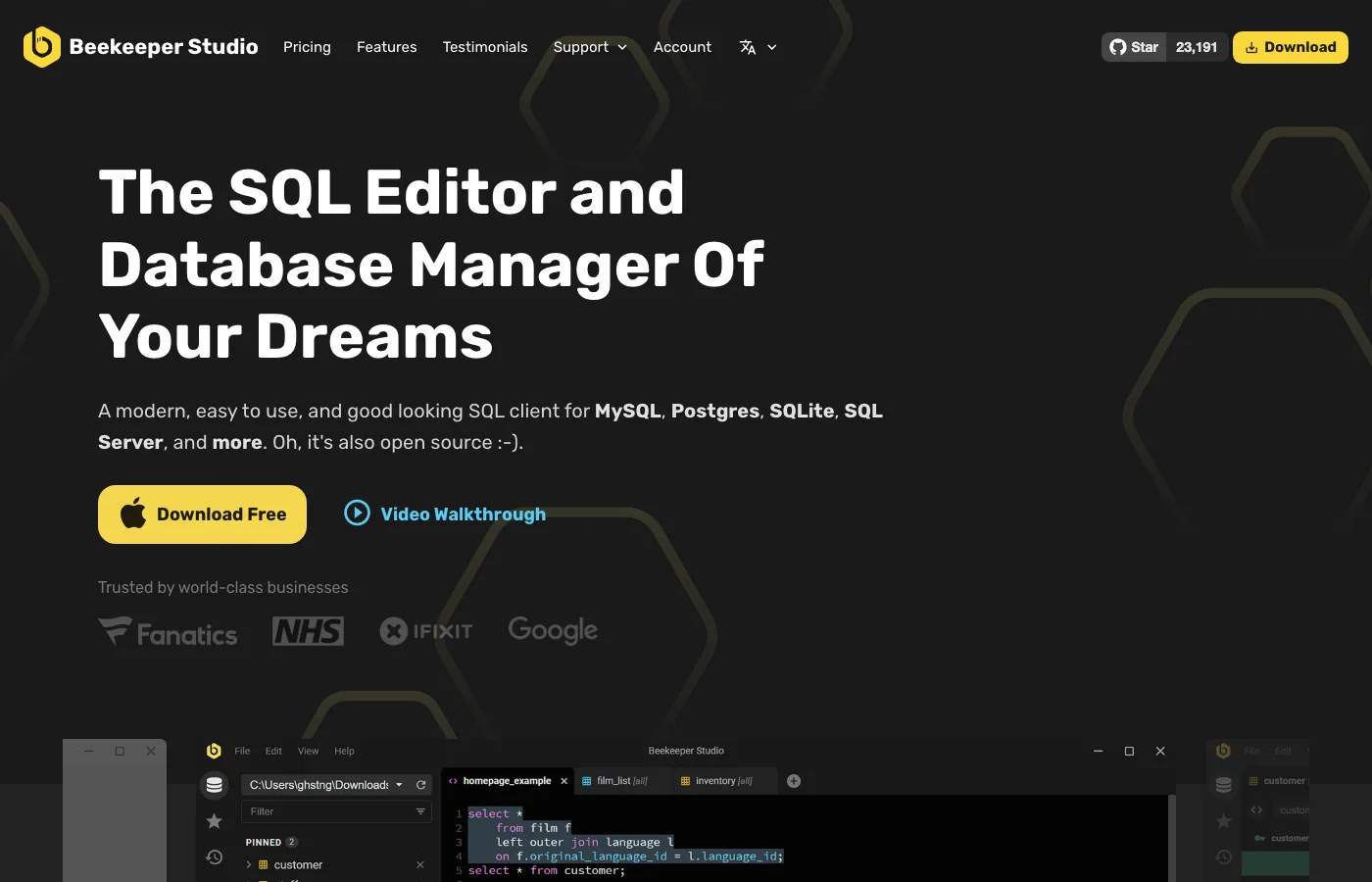 Beekeeper Studio homepage
Beekeeper Studio is the desktop client that feels most like PopSQL: minimal, fast, pleasant to look at. It exists because most SQL editors accumulated features until the UI became cluttered; this one deliberately did not.
Key Features:
- Clean, modern editor for MySQL, Postgres, SQLite, SQL Server, and more
- Open-source Community edition (GPLv3); paid plans start at $9/month
- Optional team workspace add-on for shared queries
Saved queries live on your machine unless you set up the workspace add-on, so treat it as an editor first and a team workspace second.
Best For: solo users who liked PopSQL for its feel rather than its collaboration.
DataGrip
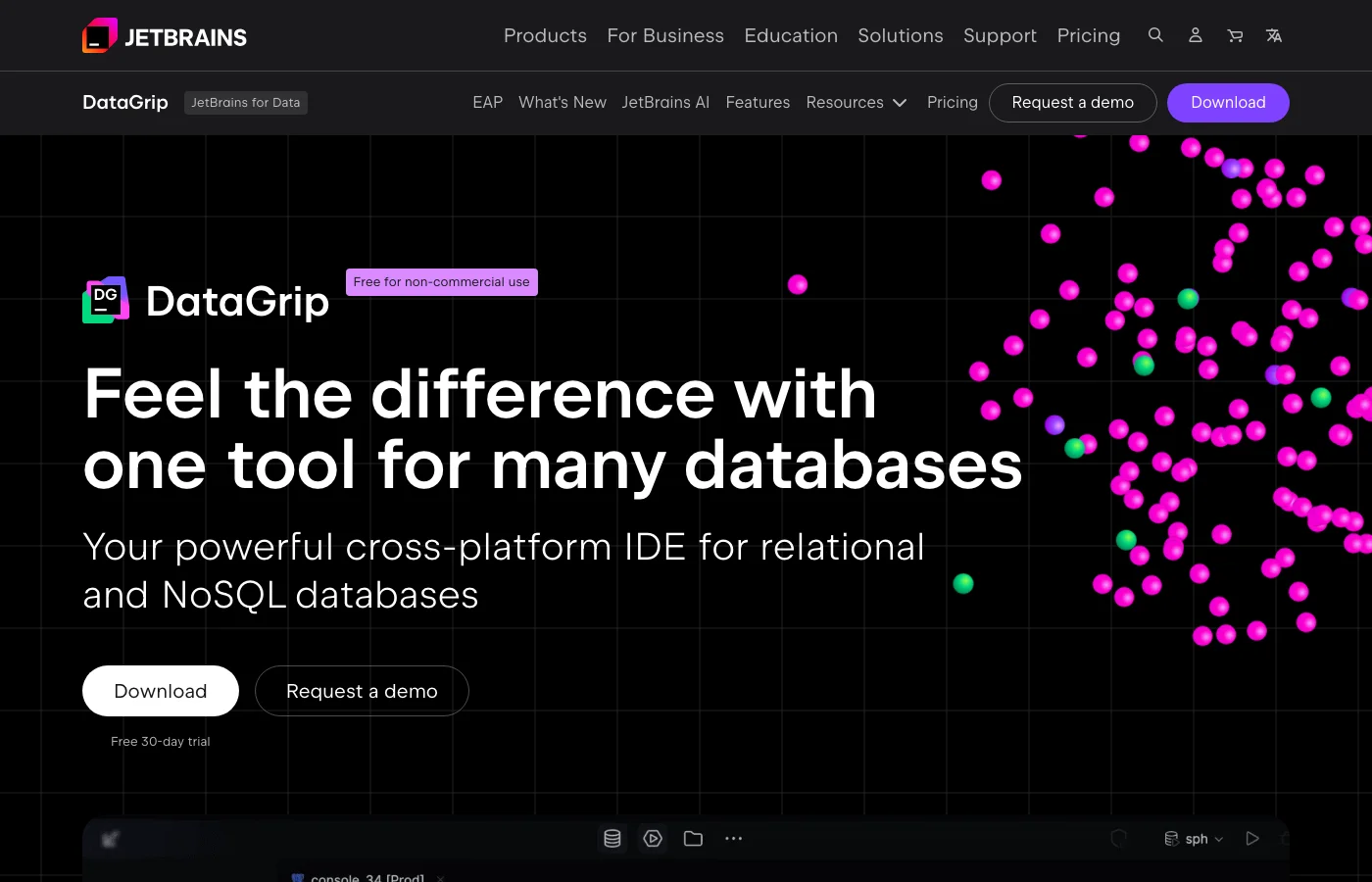 DataGrip product page
DataGrip by JetBrains is the strongest pure SQL IDE of the desktop three: best-in-class autocomplete, refactoring across large SQL codebases, schema diffing.
Key Features:
- Smartest SQL editing on this list, consistent with other JetBrains IDEs
- Data compare and schema diff
- VCS integration for keeping SQL in git
It is commercial only, $109/year for individuals, with JetBrains' perpetual fallback license (keep the version you paid a year for, forever). Zero collaboration features.
Alternatives: our top free, open source SQL clients roundup covers the wider desktop field.
Best For: solo users with complex queries, especially if you already work in JetBrains IDEs.
A note on the PopSQL-replacement startups
A wave of small products (UnifySQL, PipeQL, SaturnSQL, Galaxy) launched migration guides within weeks of the shutdown announcement, each pitching itself as the natural successor. Some look genuinely nice. But remember how you got here: moving your team's query library twice in two years is miserable. Weigh a vendor's likely lifespan as heavily as its feature list.
Comparison at a glance
| Runs as | Shared query library | Charts and schedules | Access control and masking | Open source | Starting price | |
|---|---|---|---|---|---|---|
| Bytebase | Web (self-host) | ✅ Project worksheets | ✅ | ✅ | Free | |
| Metabase | Web | ✅ Saved questions | ✅ | Pro tier | ✅ (AGPL) | Free self-host |
| Hex | Web (cloud) | ✅ Projects | ✅ | Enterprise | Free tier | |
| DBeaver | Desktop | Team Edition (Git repo) | ✅ (Apache) | Free | ||
| Beekeeper Studio | Desktop | Workspace add-on | ✅ (GPLv3) | Free | ||
| DataGrip | Desktop | $109/year |
Which one should you pick
Each tool covers a different slice of what PopSQL bundled. If your team shared a query library and answers to an auditor (or a careful DBA), Bytebase is the strongest fit: it is the only option here where the shared editor comes with access control, masking, and an audit trail built in. If PopSQL was really your dashboard tool, Metabase is the honest replacement, and pairing it with DBeaver for heavy SQL work is a common setup. Solo users who just liked the editor should try Beekeeper Studio for the feel or DataGrip for the power; trying 2-3 options against your real workload for a week will tell you more than any comparison table.
Whatever you choose, run the GitHub Sync backup this week. September 1 is closer than it looks, and unlike most migration deadlines, this one comes with a delete button.